
Private notes
Personal information, instructions, notes or other text you want to protect.
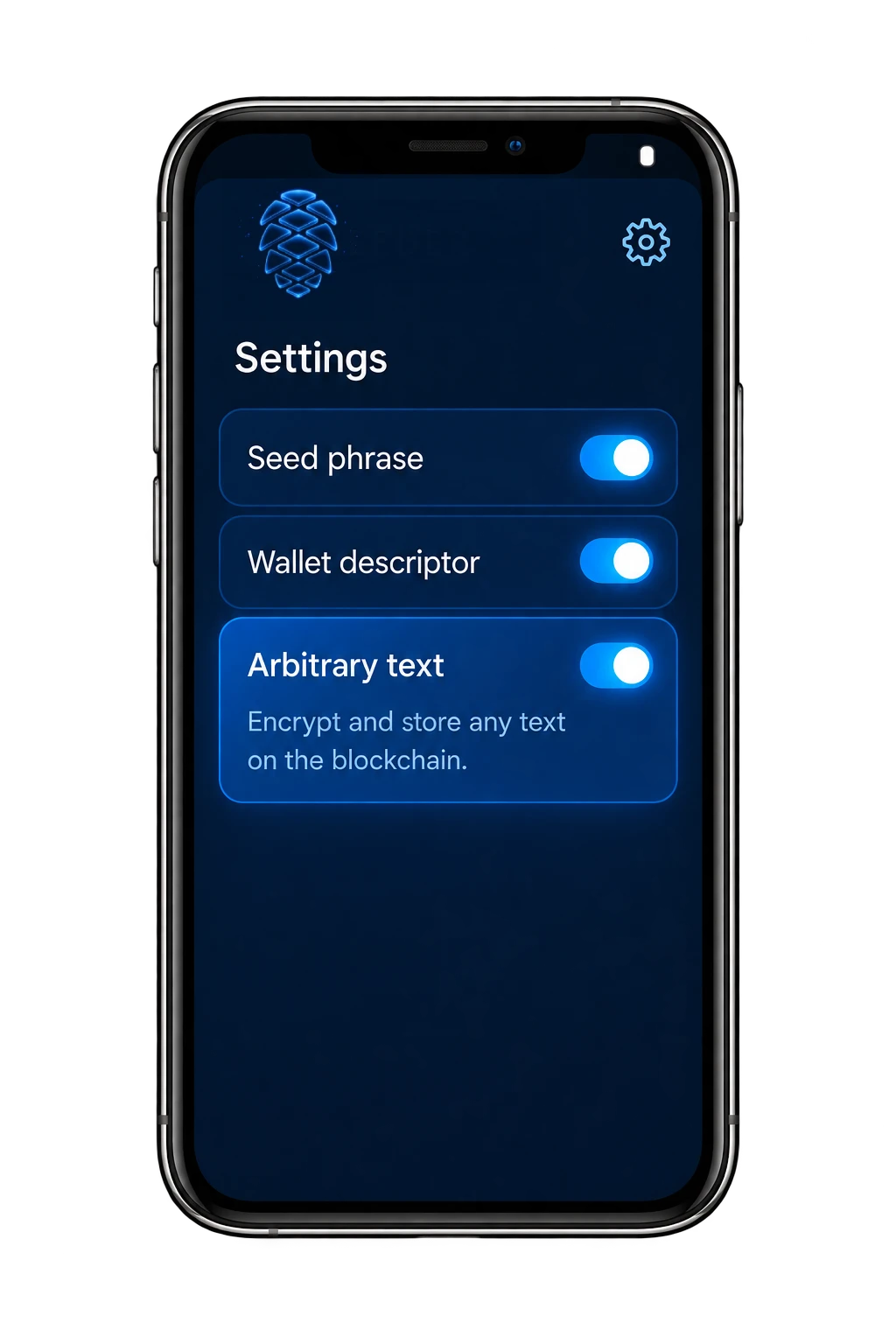
A seed phrase is only one type of information that Seeder can encrypt. With the Any text option enabled, you can work with virtually any text that is important to you.
Personal information, instructions, notes or other text you want to protect.
Recovery instructions, wallet information or other important technical records.
Text-based information that you want to encrypt before storing it.
Anything you want to keep safe
Seeder does not require the text to be a seed phrase. You choose what you want to encrypt.
Open Seeder Settings and enable the Any text option.
Type or insert the information you want Seeder to process.
Seeder encrypts the data before it is prepared for storage.
Seeder calculates the required SEED amount from the size of the encrypted data.
Once confirmed, the encrypted data can be stored on the blockchain.
For arbitrary text, storage is calculated in blocks of 600 bytes.
If the encrypted data is larger than one block, Seeder automatically uses the next whole block. You do not need to calculate the price yourself.
The same rule continues for larger messages: one SEED is charged for each started 600-byte block of encrypted data.
Imagine that the encrypted data produced by Seeder has a size of 2,560 bytes.
One SEED covers one block of up to 600 bytes. Because 2,560 bytes requires five 600-byte blocks, the total price is 5 SEED.
The application calculates the storage requirement automatically from the encrypted data size. You can see the required SEED amount before confirming the blockchain operation.