
01
Choose a separate Android phone
Do not use the phone you carry every day. Choose a device that can remain dedicated exclusively to Seeder.
The dedicated Seeder hardware is designed to be completely offline. It will have no Wi-Fi, Bluetooth, NFC, mobile network or data connector. Until that hardware is available, a separate Android phone can be configured to follow the same fundamental isolation principle.
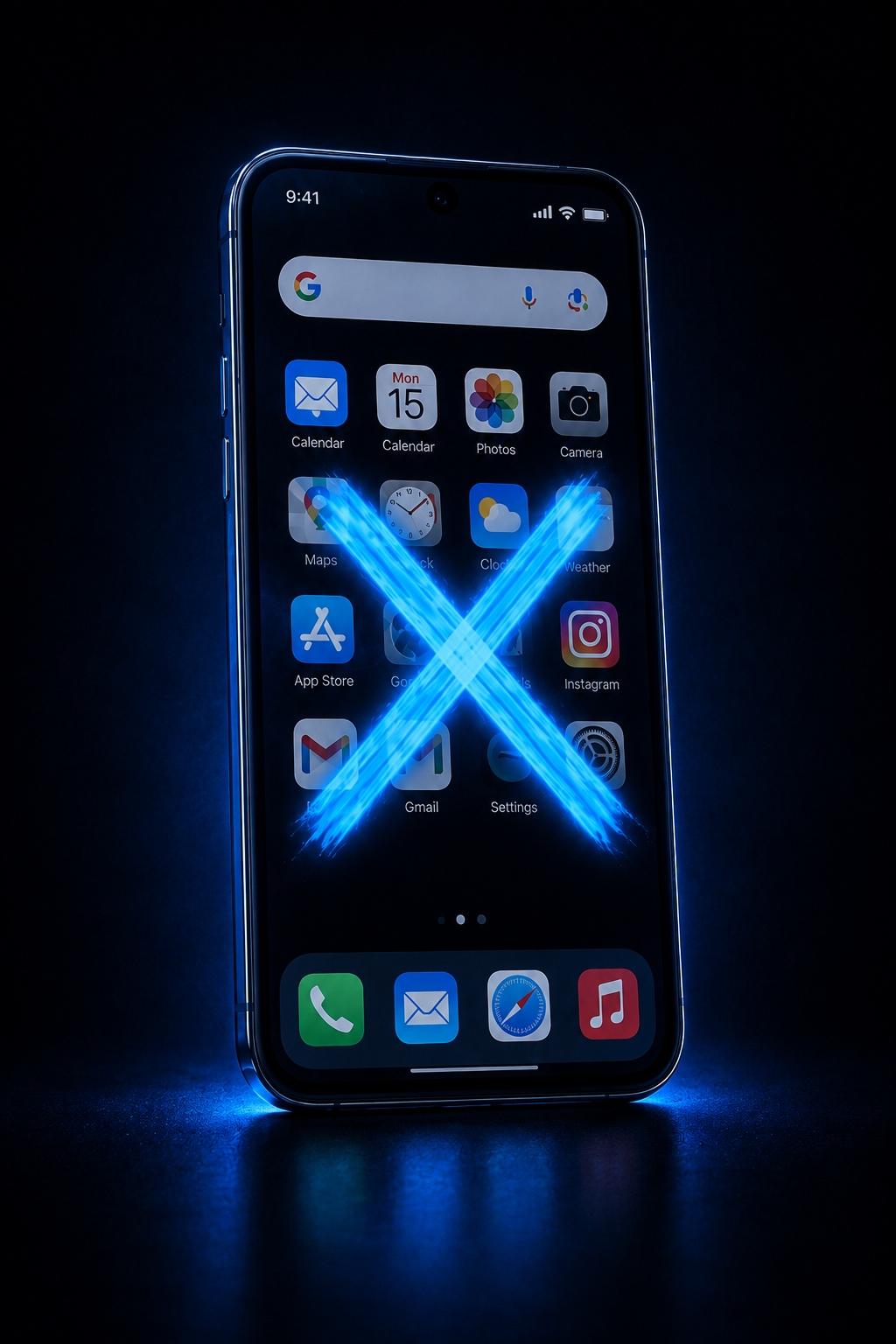
Your everyday phone is designed to stay connected. It runs many applications and communicates through Wi-Fi, mobile networks, Bluetooth and other services. A device used for sensitive recovery information should be treated very differently.
Seeder is designed so that sensitive information is used only for the operation currently being performed. The application does not intentionally save your seed, password, entered data, logs, fragments of sensitive information or encryption results into persistent phone storage.
After the operation is completed, the dedicated phone is not intended to become a repository for recovery information. Its role is to provide an isolated environment in which the data can be processed while minimizing persistent traces.
This also protects the user if the dedicated Seeder phone is lost, damaged or stops working. Because the phone is not intended to hold the seed, password or other persistent sensitive data, the previous device is not required to continue using Seeder.
The user can prepare another compatible Android phone, factory-reset it, install Seeder, complete the offline security checklist and regain the same Seeder functionality without depending on the previous device.
The future Seeder hardware is being designed as a dedicated device for working with sensitive recovery information in an isolated environment.
It is not intended to behave like a smartphone, computer or hardware wallet that regularly connects to other systems. Communication interfaces are intentionally excluded from the design.
The physical Seeder does not yet exist. We do not want users to wait for the hardware before they can start using the Seeder workflow.
A dedicated Android phone can therefore be configured as a temporary offline environment for Seeder. The goal is to remove the normal connected-phone behaviour and keep the device isolated during sensitive operations.
A spare or older Android phone is sufficient as long as it meets the minimum requirements and can be dedicated exclusively to Seeder.
Do not use the phone you carry every day. Choose a device that can remain dedicated exclusively to Seeder.
Start from a clean installation and remove the previous user's applications, accounts and configuration.
Keep the device focused on a single purpose. Do not use it for email, social media, browsing, games or other everyday applications.
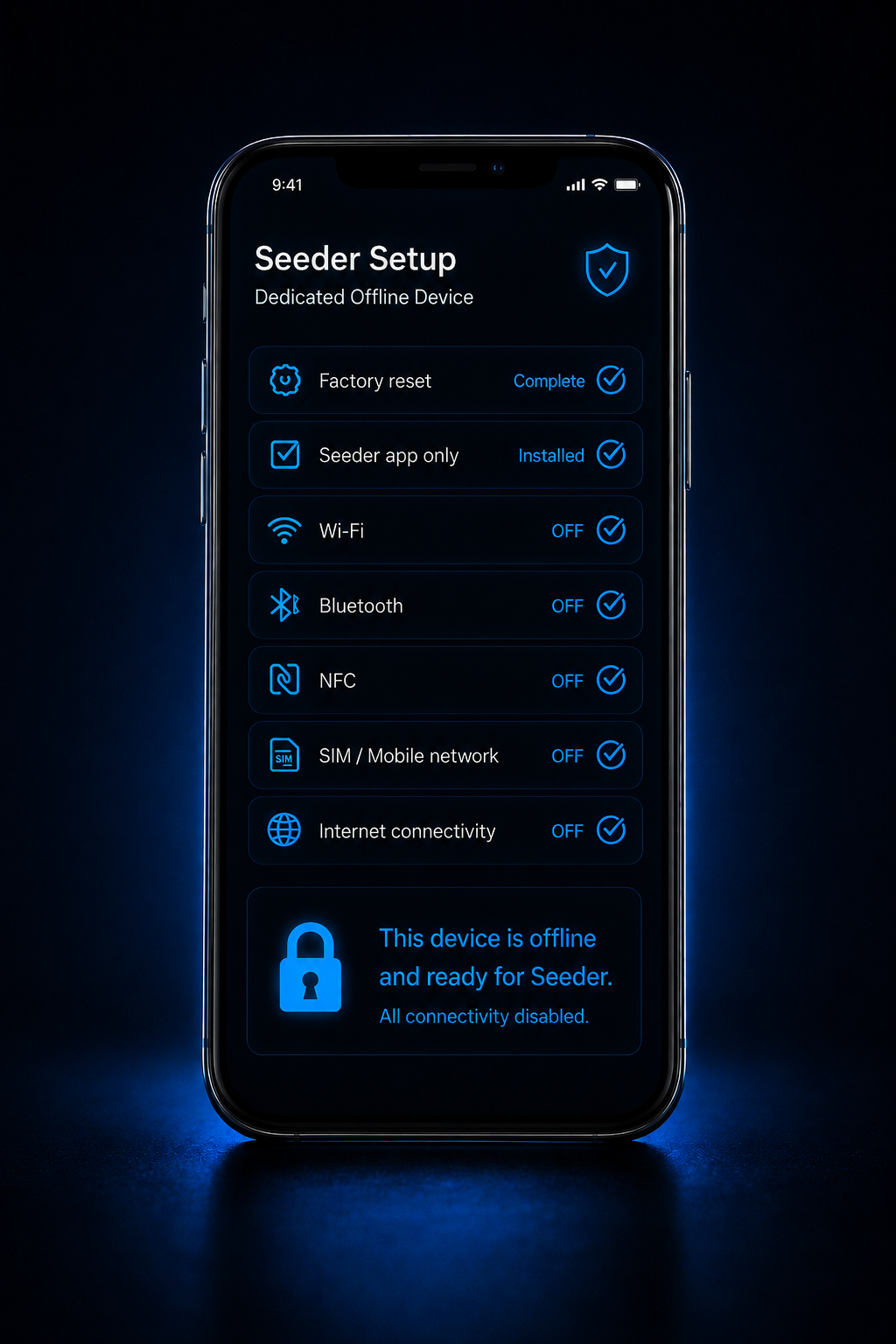
Seeder checks the device configuration before the sensitive workflow begins and shows which connectivity settings still need attention.
Keep Wi-Fi, Bluetooth, NFC, mobile networking, USB data connectivity and other communication services disabled. Do not insert a SIM card into the dedicated device and do not use USB for transferring Seeder data.
Once configured for Seeder, the recommended approach is to keep the phone permanently disconnected and use it only for the intended offline workflow.
The application starts with a security checklist designed to help users confirm that the phone is configured as an offline device.
This is especially important for users who are not security specialists. Instead of expecting the user to remember every setting, Seeder provides a clear list of conditions that should be satisfied before proceeding.
A dedicated Android phone achieves isolation mainly through configuration. The future Seeder hardware is intended to go further: communication interfaces such as Wi-Fi, Bluetooth, NFC and cellular networking will not simply be switched off. They will not be part of the device.
This is the security philosophy behind Seeder: minimize unnecessary communication paths around the environment where sensitive recovery information is handled.
Keeping a dedicated device offline significantly reduces its exposure to normal online activity and remote attack paths. No configuration can guarantee absolute security, so physical access, device integrity and careful handling of recovery information remain important.