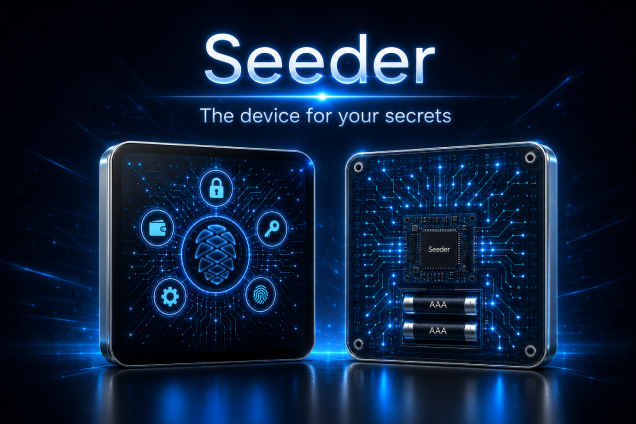
Seeder
Recovery backup for the wallets you already use

Protect every seed you own.

Securely encrypt and back up the recovery seeds of your crypto wallets.

Your wallet can be replaced.
Your recovery seed cannot.

Two parts. One protected backup. Protecting your seed uses the Seeder app first, then blockchain administration.
Offline encryption Multi-wallet User controlled
Seeder recovery security concept
The practical problem

One wallet is easy.
Multiple recovery
seeds are different.

Active crypto users often work across several wallets, chains, DeFi applications and devices. Every recovery seed becomes another critical backup that must remain protected, available and understandable years from now.

The challenge grows with your setup: more wallets mean more independent recovery information to manage carefully.

WALLET 01
RECOVERY SEED
WALLET 02
RECOVERY SEED
WALLET 03
RECOVERY SEED
WALLET XX
RECOVERY SEED
Three clear steps

How Seeder works.

The sensitive operation stays on the offline Seeder device. Only the encrypted package is transferred to the administration workflow.

01 — ENCRYPT OFFLINE

Enter your recovery seed.

Use a dedicated offline Android device running Seeder. The protected workflow checks the device's offline state before encryption can continue.
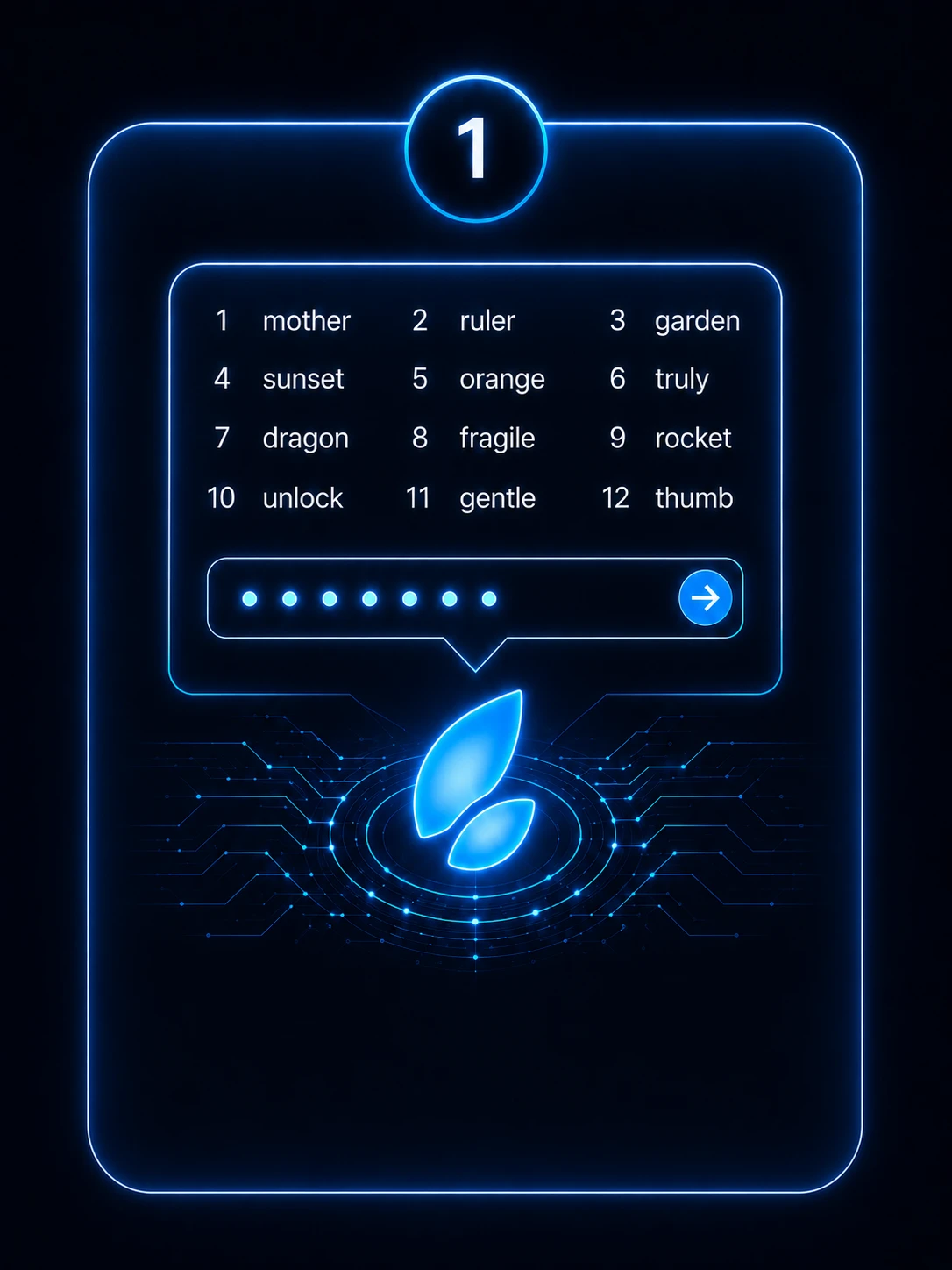

Seeder seed entry workflow
02 — CREATE ENCRYPTED QR

Move encrypted information.

Seeder encrypts locally and turns the resulting encrypted Seeder package into an animated Fountain QR. The QR does not contain the recovery seed in readable form.
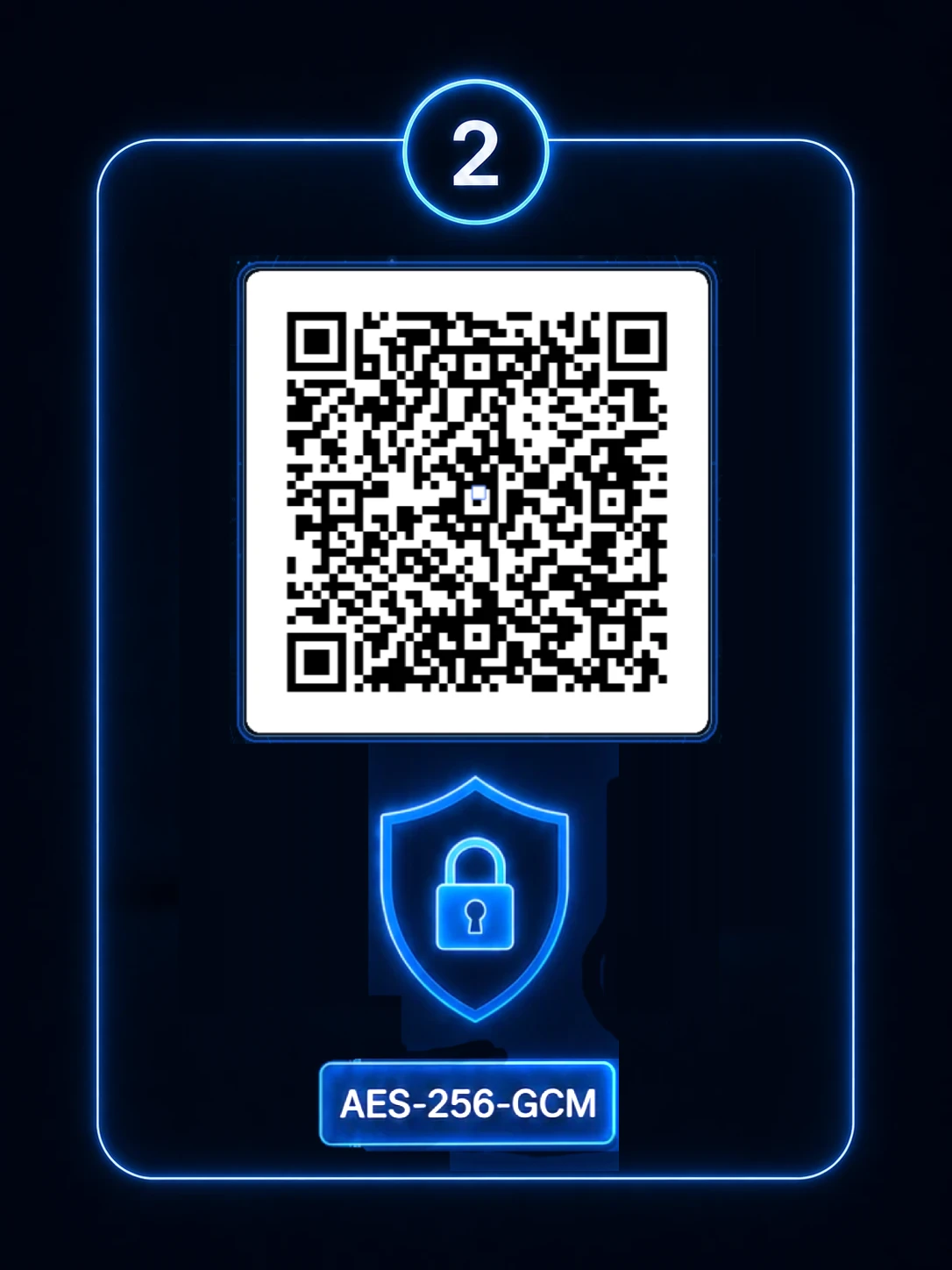
Seeder encrypted QR workflow
03 — STORE ENCRYPTED BACKUP

Continue in Seeder administration.

Scan the encrypted QR into Seeder administration and continue with the encrypted-record storage process.
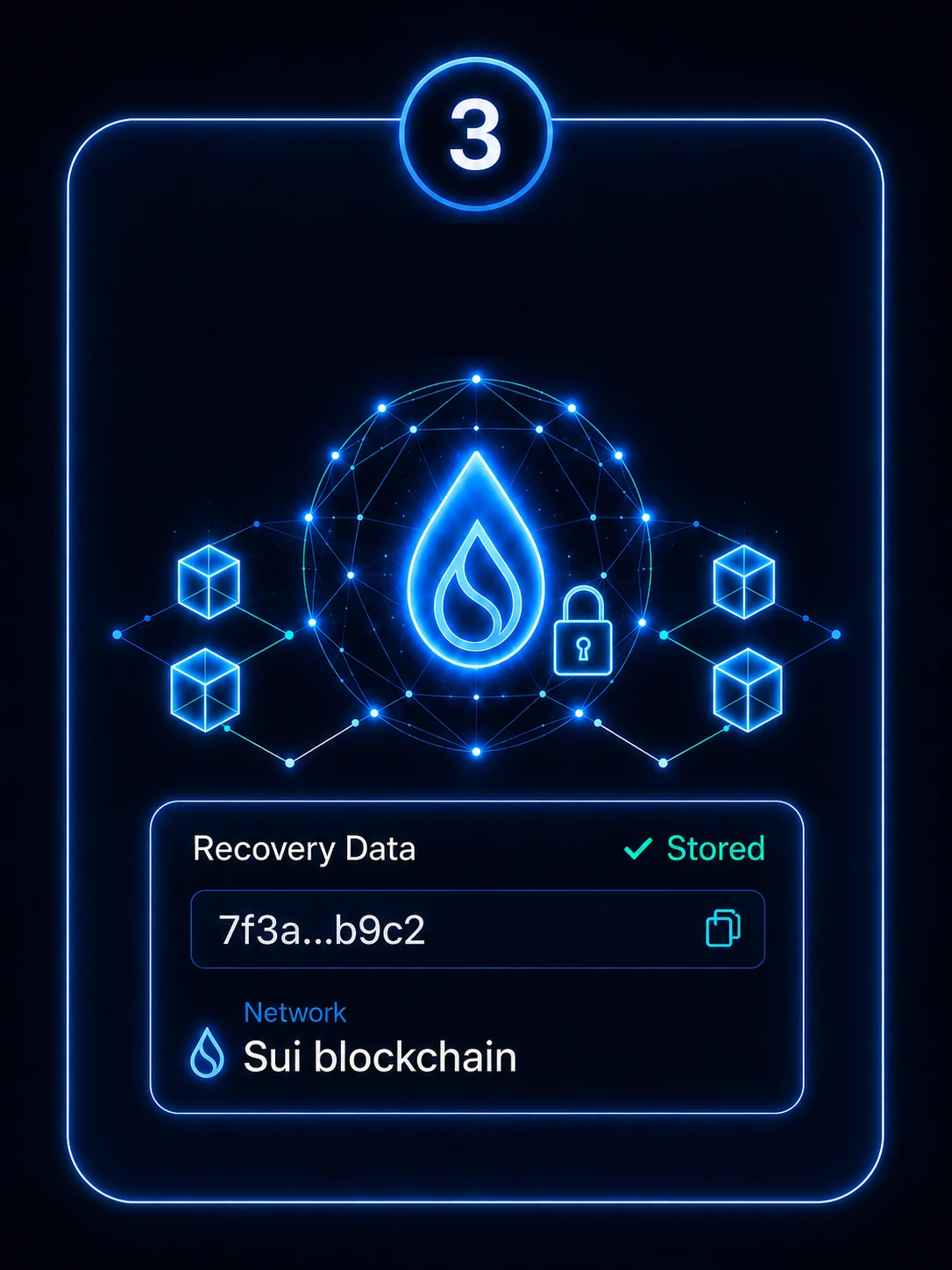
Encrypted Seeder backup storage workflow
Before you begin

Seeder works in two parts.

First create the encrypted backup with the Seeder app on your offline device. Then move only the encrypted package into Seeder administration for blockchain storage.

01
SEEDER APP

Encrypt your seed offline.

Install the Seeder Android app on a dedicated device. Your recovery seed is entered and encrypted locally, and the app creates the encrypted Seeder QR package.

02
BLOCKCHAIN ADMINISTRATION

Store the encrypted backup.

Open Seeder administration and scan the encrypted QR created by the app. From here, continue with storage of the encrypted record on the blockchain.

SEEDER APP → ENCRYPTED QR → BLOCKCHAIN ADMINISTRATION
Why offline

Keep the sensitive step offline.

A recovery seed has to be entered somewhere during encryption. We recommend reducing the attack surface around that moment rather than treating an everyday connected phone as a dedicated security device.
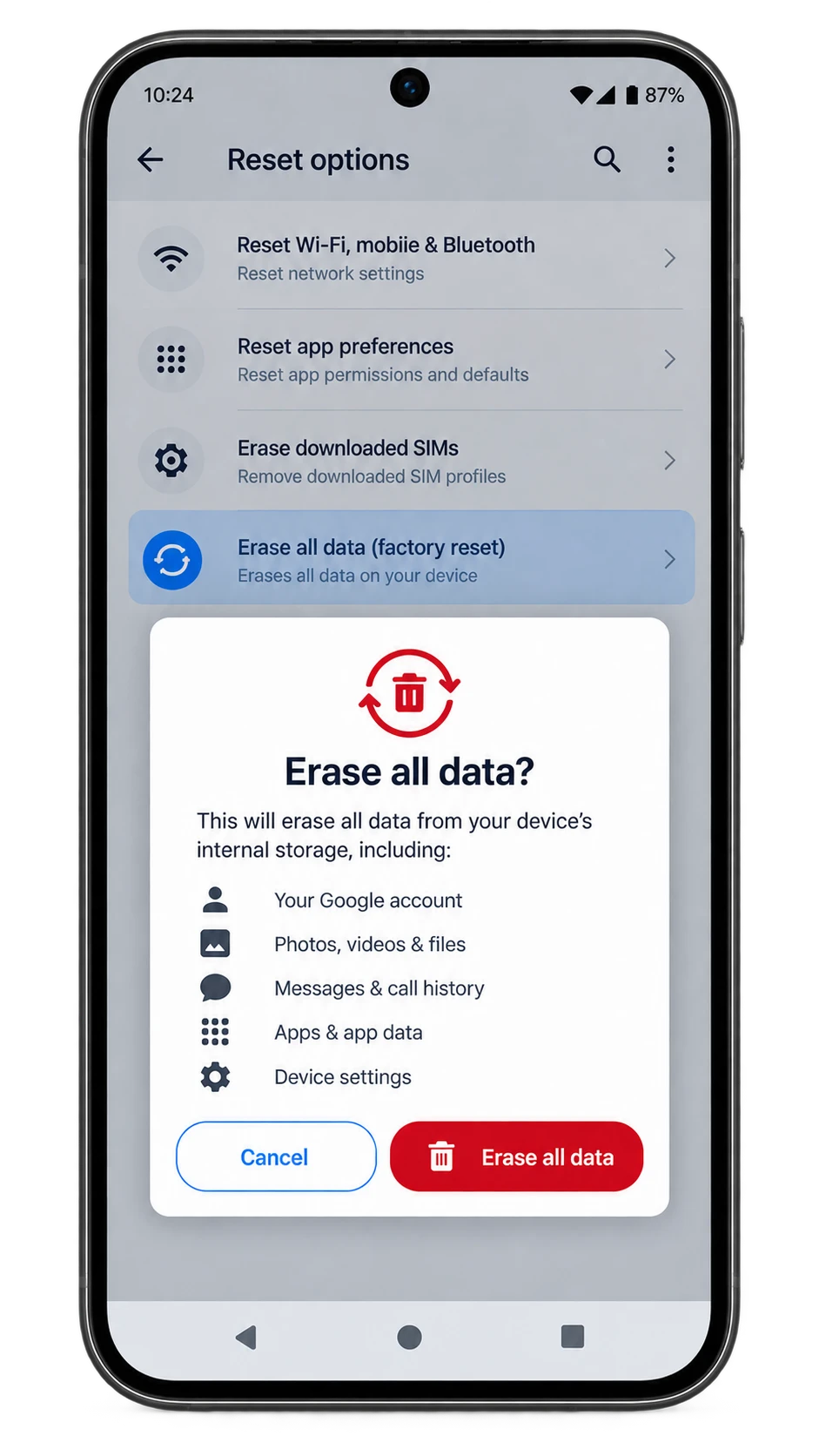
Preparing a dedicated offline Android phone for Seeder

You may already have the hardware you need.

A spare compatible Android phone can become a dedicated encryption/decryption device. It does not need to be new; the important difference is how it is prepared and used.

OLD UNUSED PHONE FACTORY RESET INSTALL ONLY SEEDER REMOVE SIM / KEEP MOBILE NETWORK OFF NETWORKS AND RADIOS OFF DEDICATED SEEDER DEVICE

Seeder's Android app intentionally has no INTERNET permission. Protected encryption and decryption screens also require the Seeder offline security gate to pass before sensitive operations continue.

Isolation reduces unnecessary exposure; it does not create absolute security. Physical access, device integrity and careful handling of recovery information still matter.
Device independence

Your seed is not tied to a device.

The current Seeder package format is not bound to a specific phone. You can encrypt on one compatible Seeder device and later decrypt the encrypted backup on another compatible device with the correct password.

The device is the tool.
Your encrypted backup remains independent of it.

Experts only note: if you deliberately create a compact package with a hidden custom cryptographic profile, the same profile values are also required for decryption.

Your responsibility

One thing you must protect: your password.

The encryption password is not stored by Seeder. Seeder cannot recover a forgotten encryption password.

Protect it separately and make sure it remains available whenever you may need to decrypt your backup.
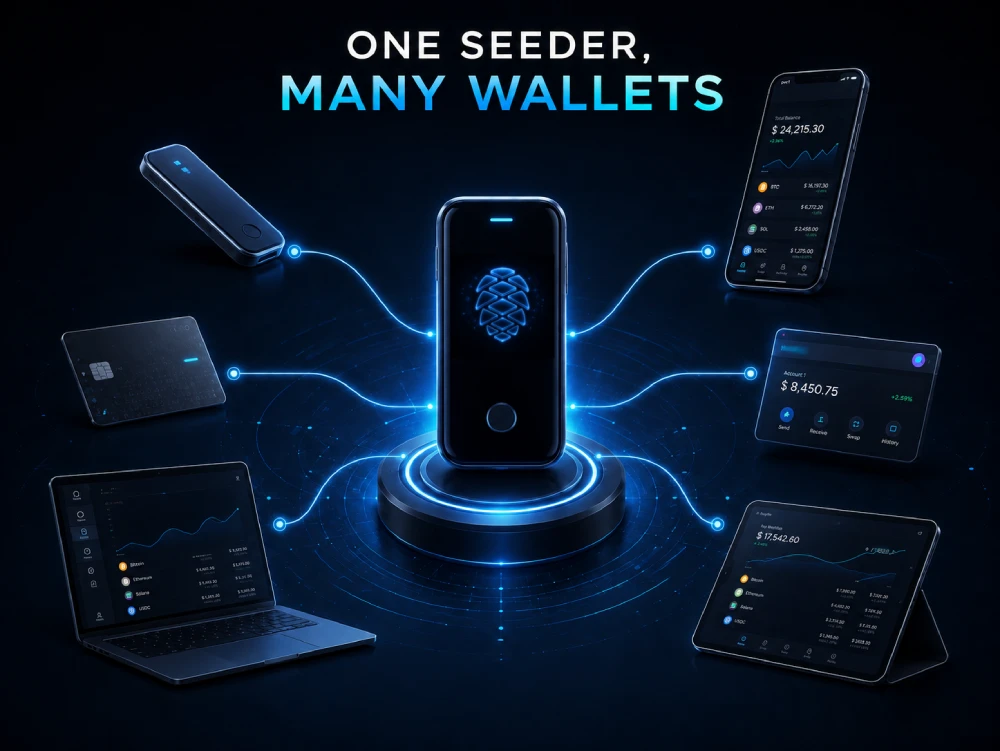
Works alongside your wallet setup

Seeder is not another wallet.

One Seeder used with multiple hardware and software wallets

Use the hardware wallets, software wallets and blockchain accounts you prefer. Seeder is a complementary recovery-backup layer for protecting their recovery information.

One seed
or twenty.

One Seeder device can be used for multiple recovery seeds. Each backup is processed independently rather than being tied to a single wallet account.

FAQ

Clear answers about recovery access.

Does Seeder store my recovery seed on the phone?
Seeder does not intentionally persist your plaintext recovery seed to app files, databases or Android backups. The seed is handled transiently during the active workflow and mutable fields and buffers are cleared when possible. As with Android/JVM applications generally, transient immutable in-memory copies can remain until the runtime reclaims them.
Is my seed tied to the phone used for encryption?
No. The current Seeder encrypted-package format is not bound to a specific phone identifier. The phone is an encryption/decryption tool, not the identity of the backup.
Can I decrypt my backup on another device?
Yes, on another compatible Seeder device with the correct password. If you deliberately used Experts only with a hidden custom cryptographic profile, the matching profile values are also required.
Can I use one Seeder device for multiple recovery seeds?
Yes. Seeder is not limited to a single wallet or a single recovery seed. Separate recovery seeds can be processed as separate encrypted backups on the same compatible device.
Does my Seeder device need an internet connection?
No for the sensitive encryption/decryption workflow. The Android app intentionally does not request INTERNET permission, and protected Seeder screens require the offline security gate before sensitive operations can continue. Internet access is needed separately to obtain the app from Google Play before the device is prepared for dedicated offline use.
What happens if my Seeder phone breaks?
The encrypted backup is not tied to that phone. Use another compatible Seeder device, retrieve the encrypted backup and decrypt it with the correct password. Hidden custom Experts only profiles also require their matching profile values.
What happens if I forget my encryption password?
Seeder does not store the encryption password and cannot recover it. Without the correct password, the encrypted content cannot be recovered through Seeder.
Is Seeder a crypto wallet?
No. Seeder does not replace your hardware wallet, software wallet or blockchain account. It is a complementary system for creating and managing encrypted recovery backups.

Protect your recovery access before you need it.

Your wallet can change. Your device can change. Your recovery strategy should survive both.